


FLYFIRE
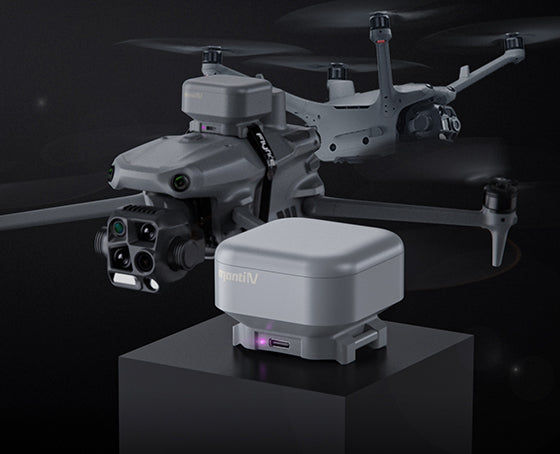
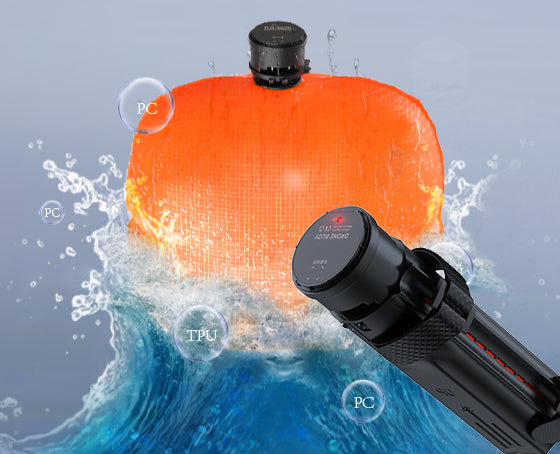
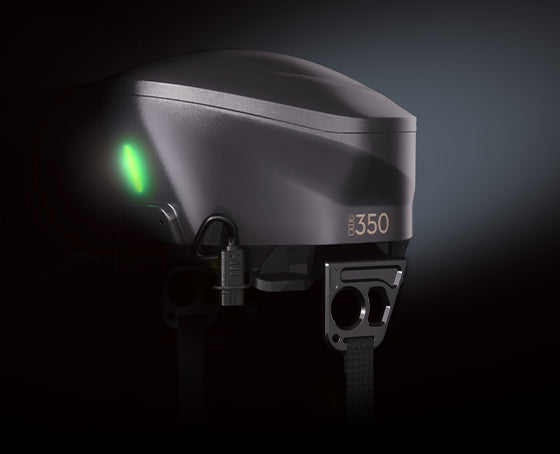
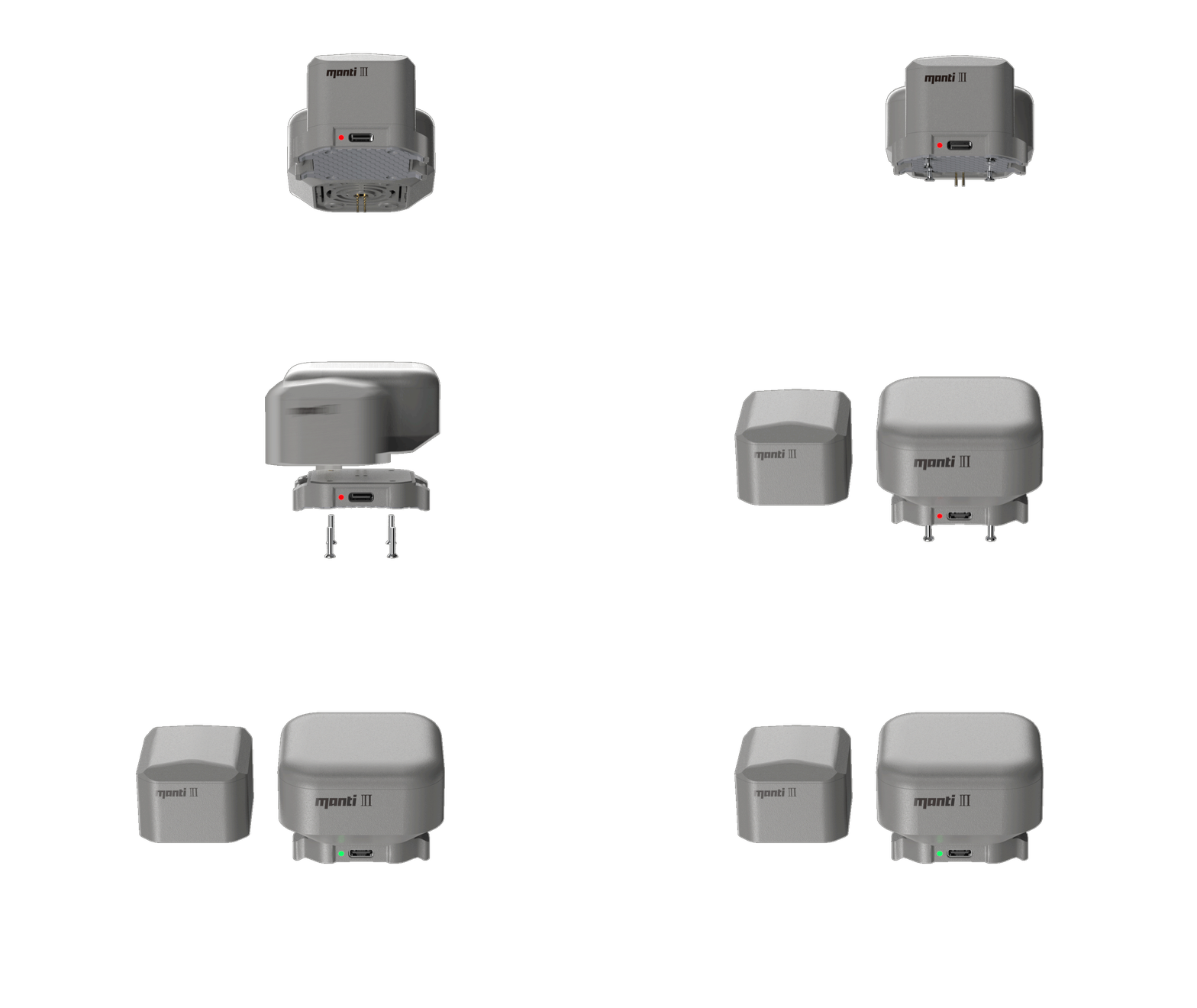
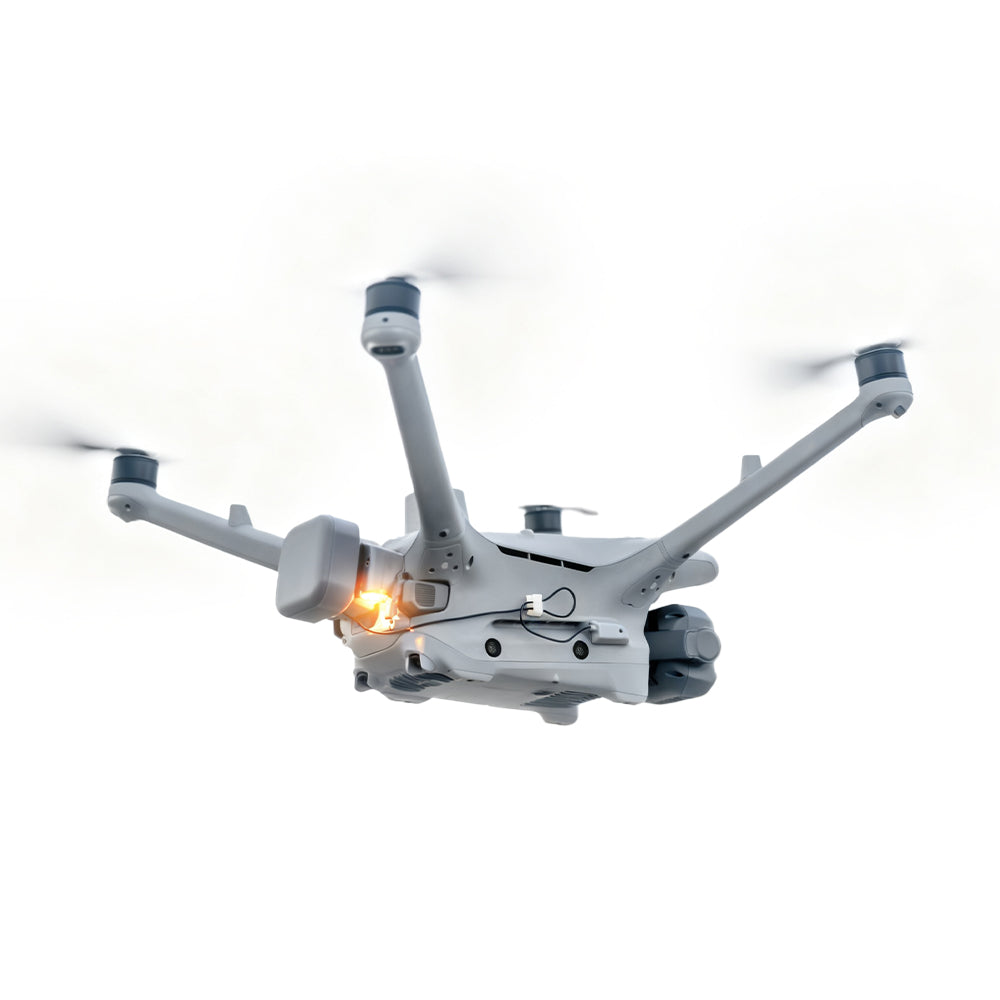
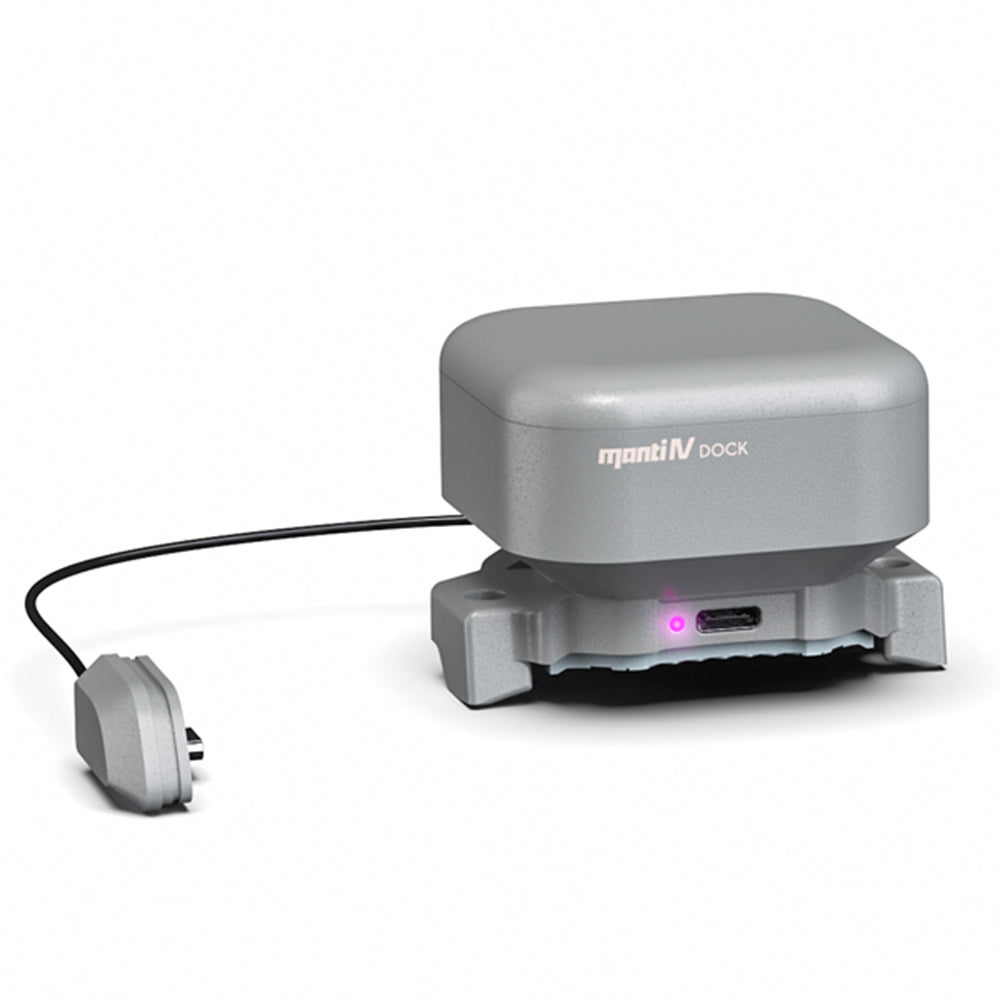
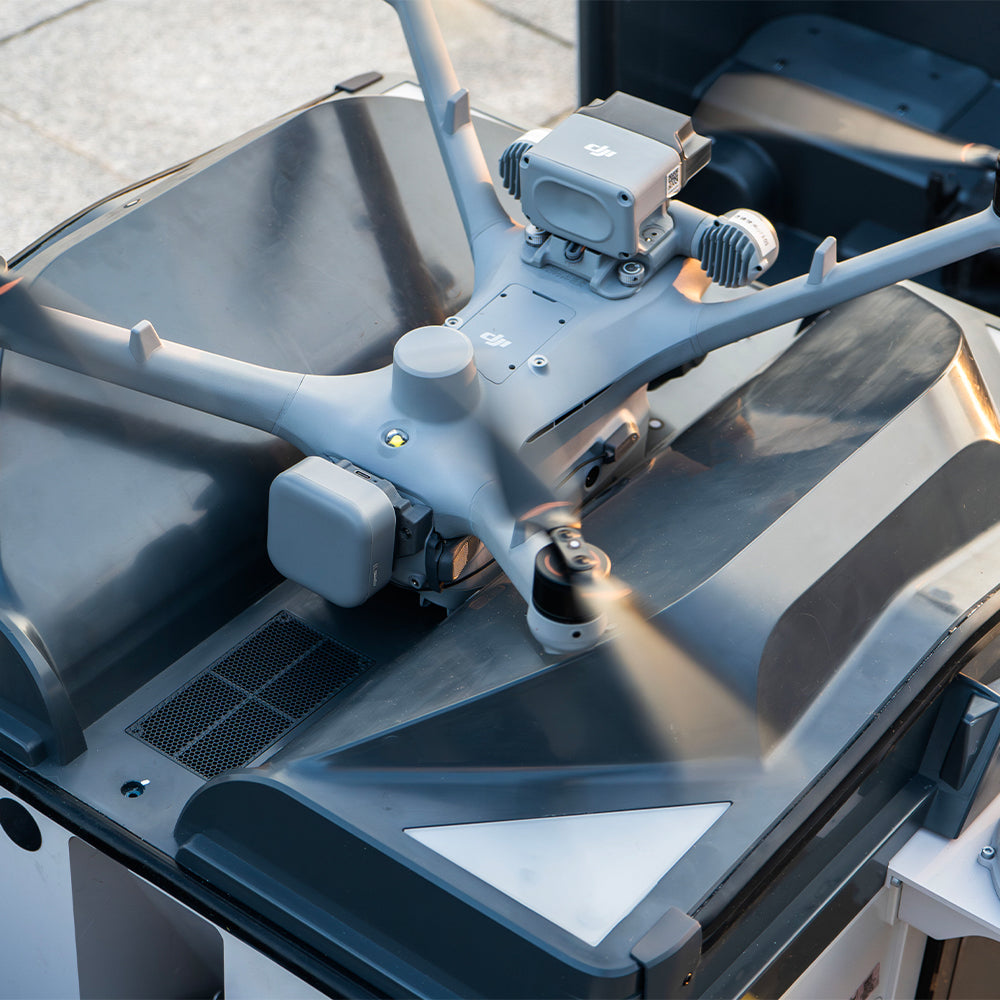
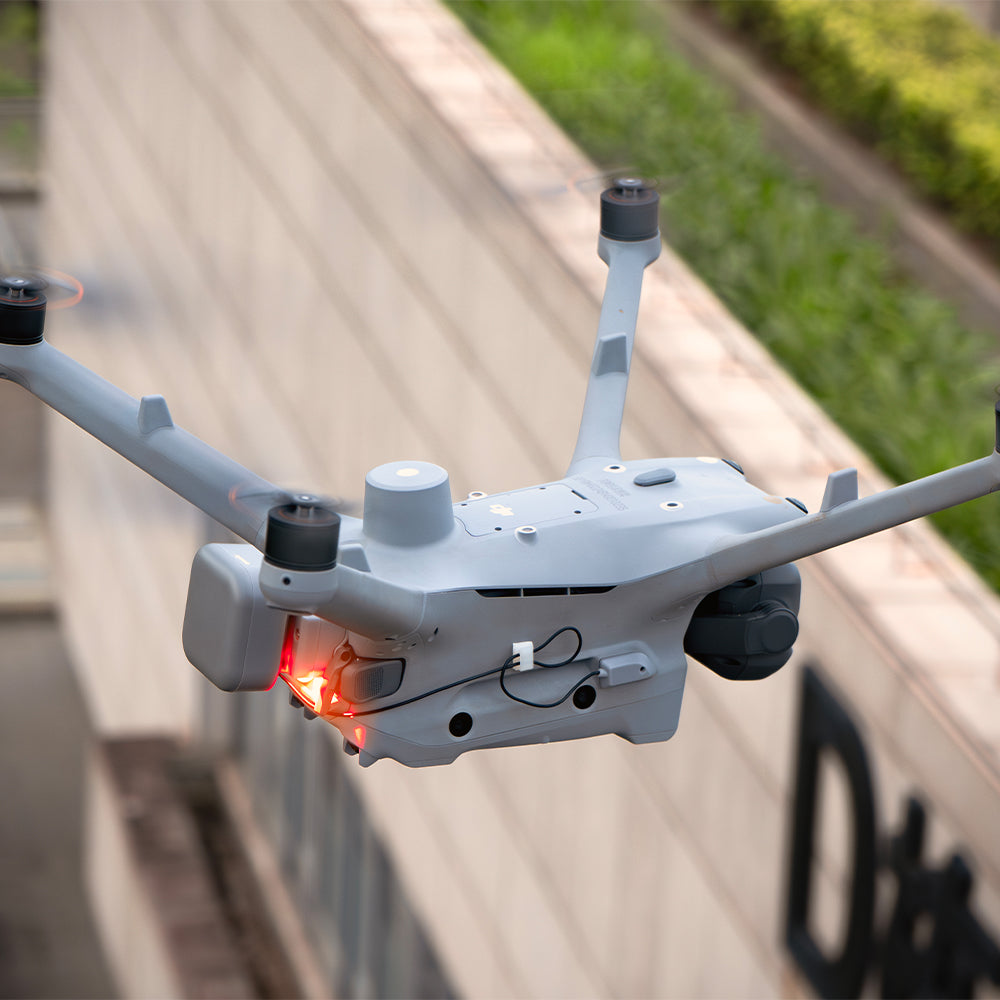
Manti 4 Drone Parachute+FTS for DJI Dock 3
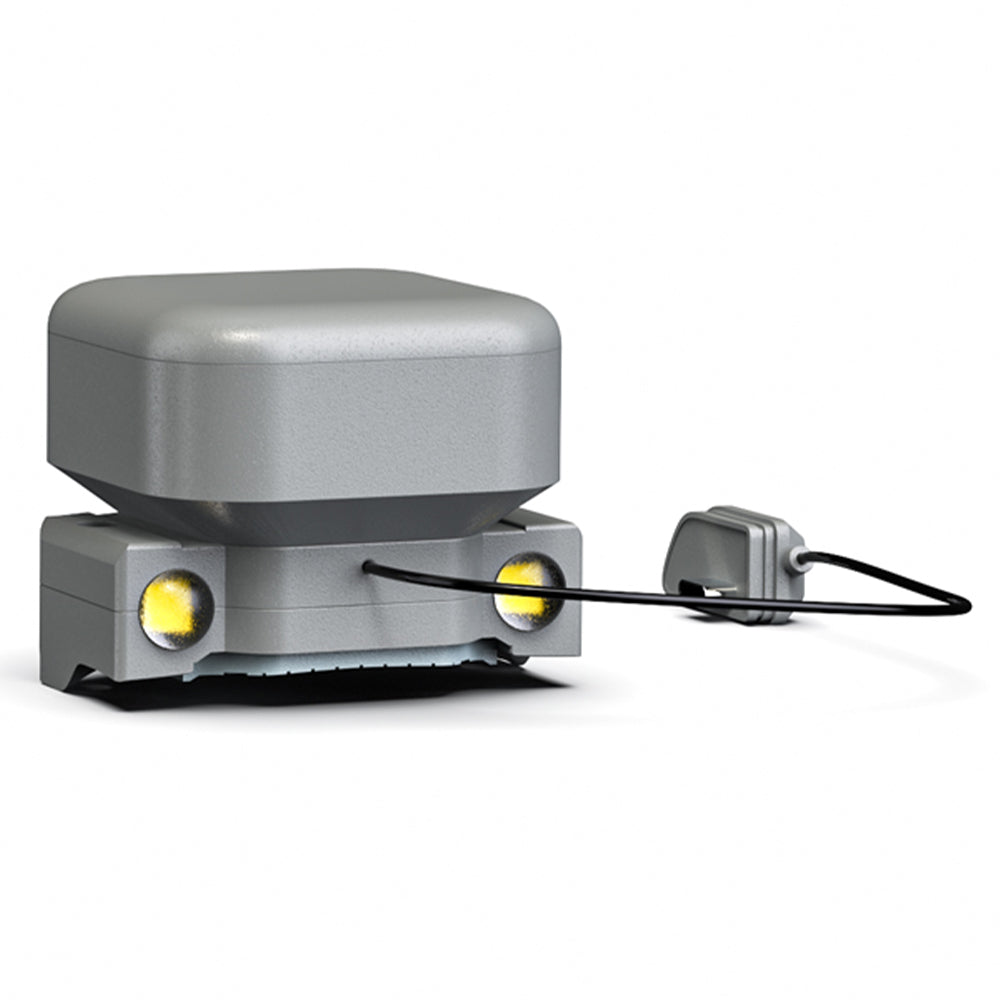
Activates with your DJI Matrice 4D/4TD. It automatically starts security monitoring and runs on the drone's power—no separate charging required.
Manti 4 Dock Parachute (FAQ)
Is the Manti 4 Dock compatible with both DJI Matrice 4D and 4TD models? +
How does the parachute system integrate with DJI's software ecosystem? +
What are the safety specifications regarding sink rate and impact energy? +
What is the difference between the Basic and Emergency Light editions? +
What are the operational limits and minimum deployment altitude? +

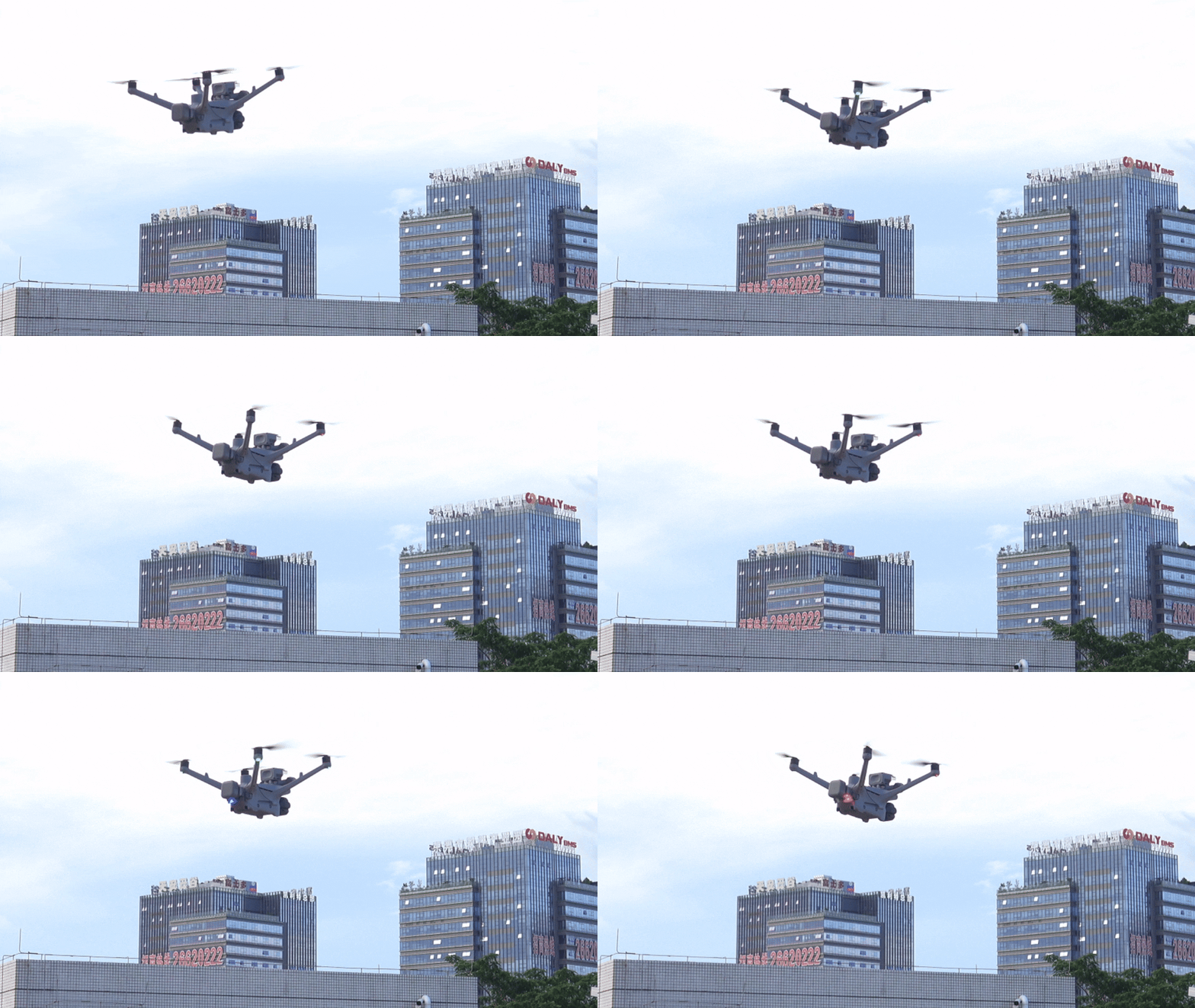
Manti 4 Dock FTS propellers stopped spinning
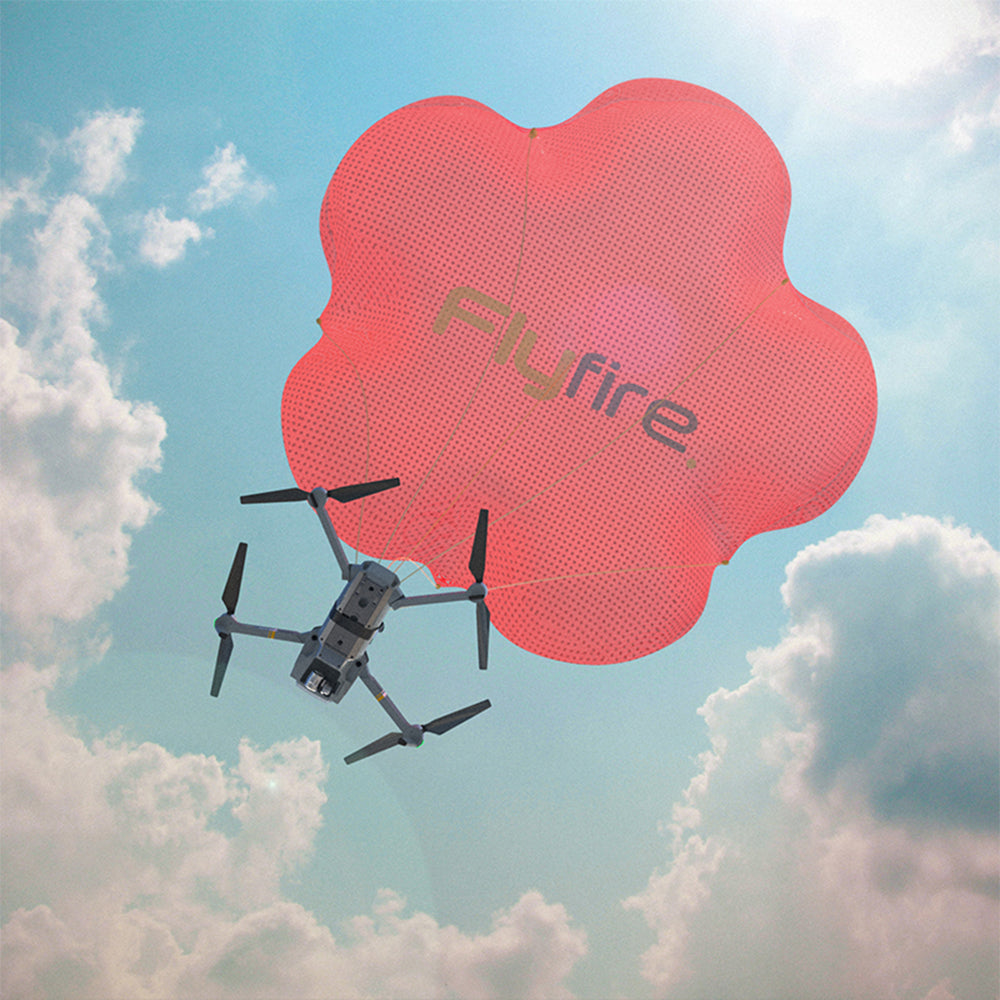
When danger strikes and the parachute is deployed, the parachute sends a propeller stop command to the drone's flight control.
The flight control stops the propellers before the parachute is deployed and sends a propeller stop signal to Manti, which then deploys the parachute (Manti 4DOCK version), eliminating the risk of propeller entanglement at the root and ensuring the best time to rescue the aircraft.
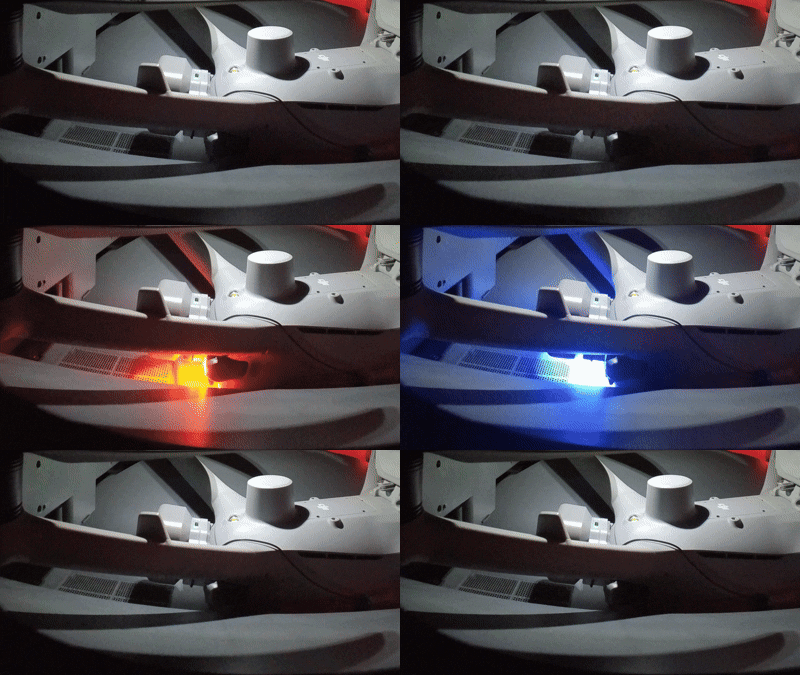
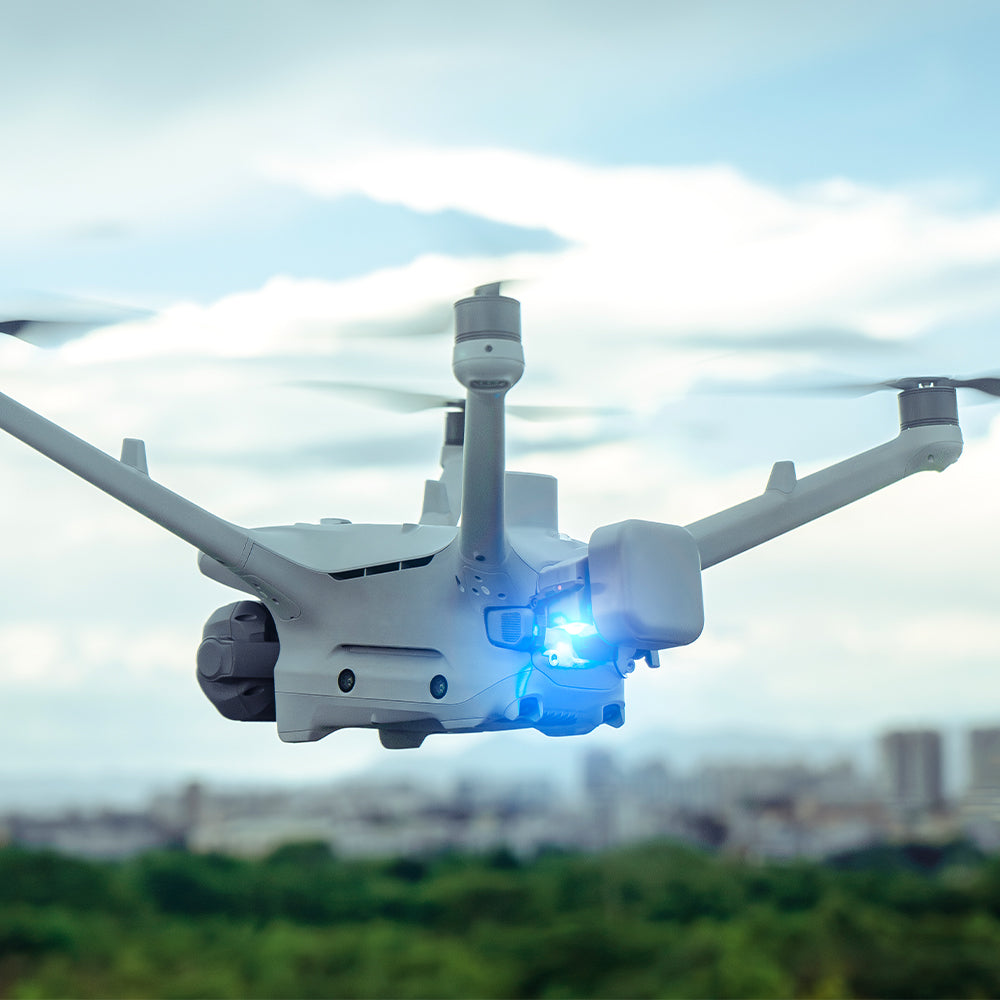
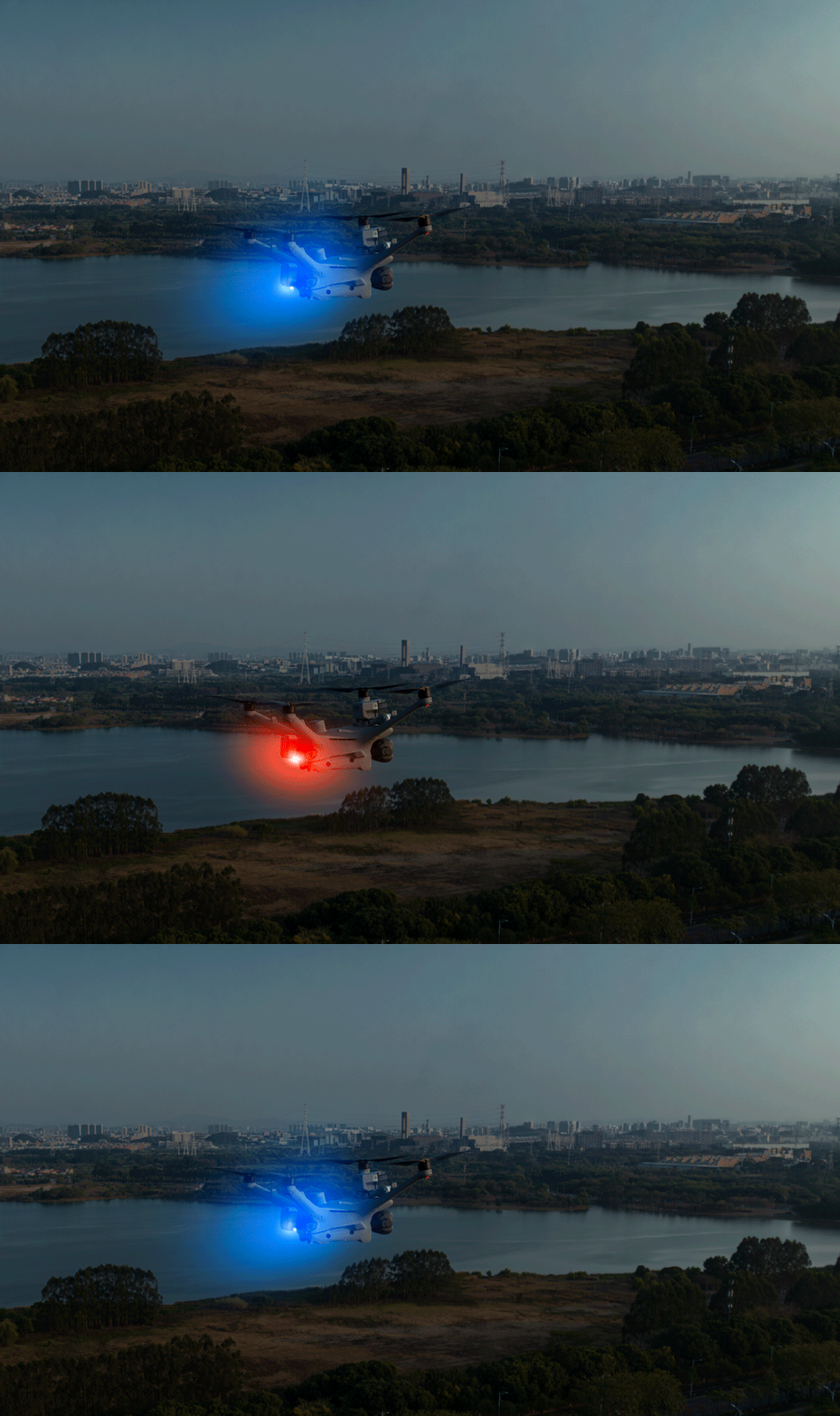
Red and blue strobe system
For unmanned operation, the Manti 4 Dock Warning Light Edition parachute is equipped with red and blue dual flashing lights. It is controlled by DJI Pilot/Skong 2 and can be manually activated when the drone initiates a mission to provide real-time warnings and deterrence to ground personnel (the warning lights must be manually activated before each flight mission).
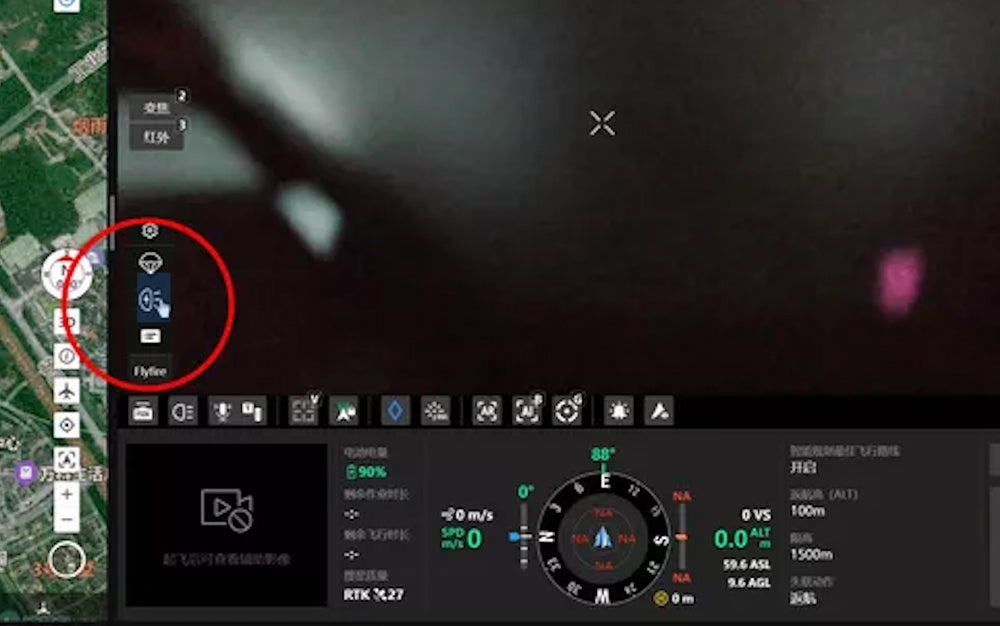
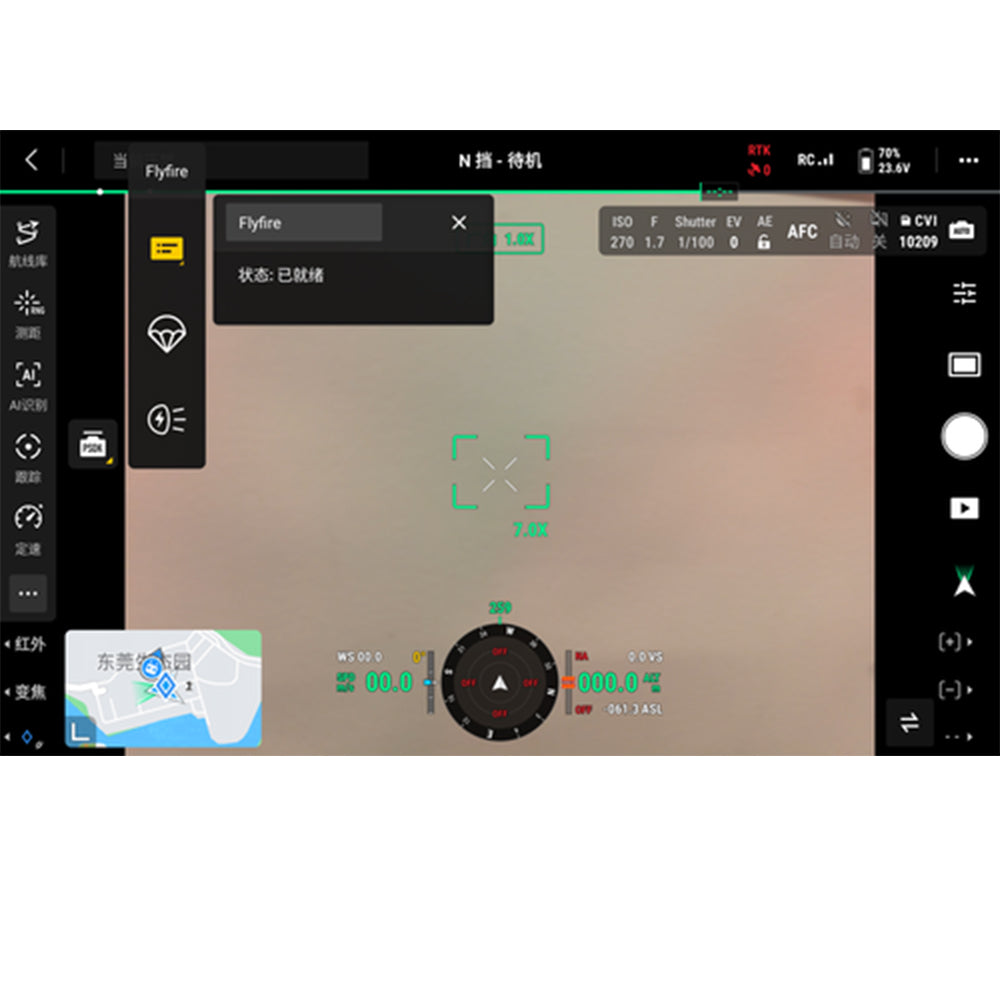
The operation interface is simple and clear
Open the Pilot2 PSDK pop-up window or the DJI Sky2 PSDK pop-up window platform to manually turn on or off the red and blue flashing lights.
The operation interface is simple and clear
Open the Pilot2 PSDK pop-up window or the DJI Sky2 PSDK pop-up window platform to manually turn on or off the red and blue flashing lights.