
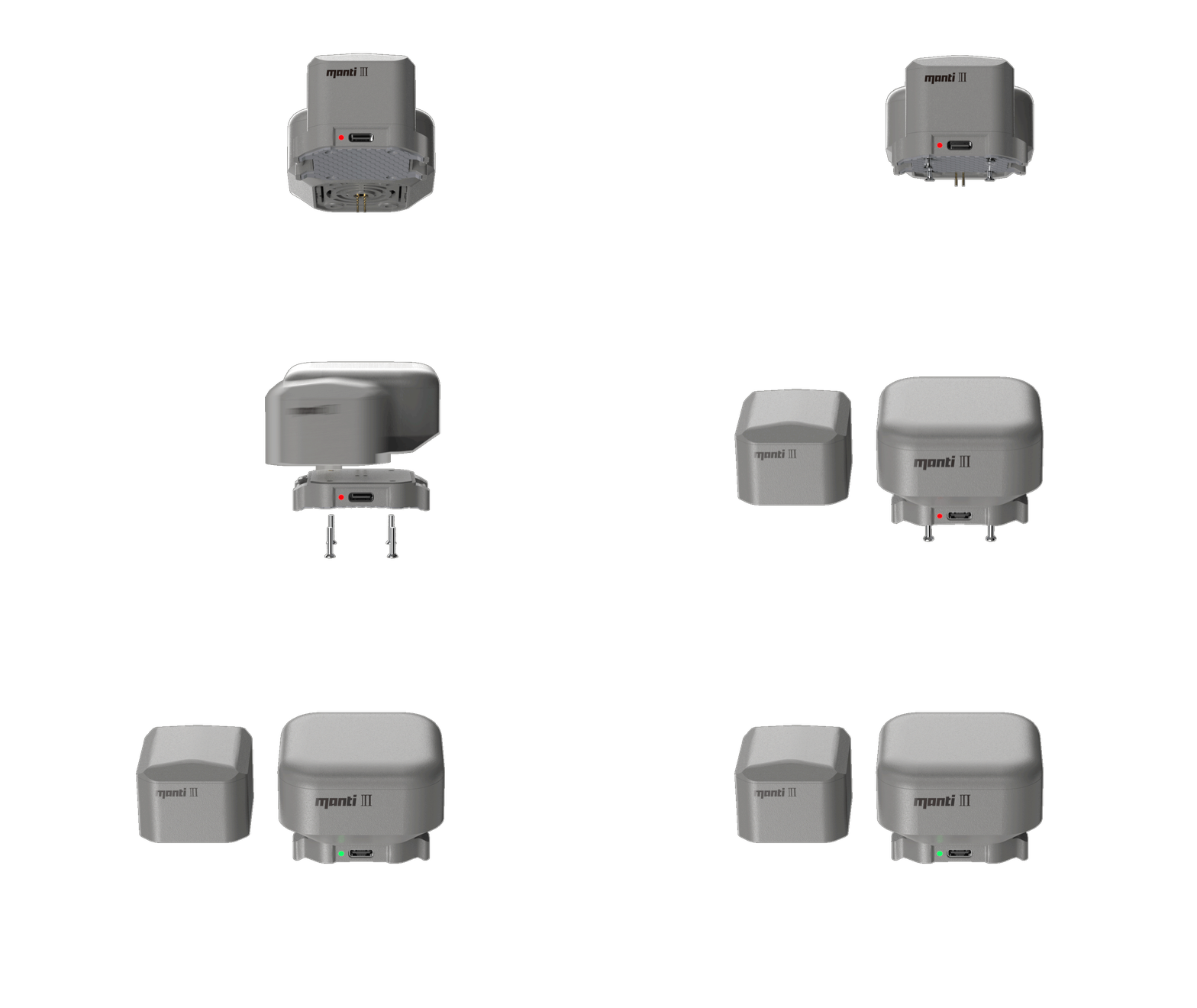


Heavy-lift fleets rarely stay uniform for long. A typical operation today looks something like this: a couple of Matrice 300 RTKs that have been earning their keep for years, a core of Matrice 350 RTKs doing most of the work, and, as budgets allow, Matrice 400s arriving in batches. The aircraft themselves get tracked carefully: serial numbers, flight hours, battery cycles. The recovery systems mounted on them tend to get tracked a lot less carefully, and year-end is usually when that gap shows up.
This guide is a working checklist for that audit. It covers what to look at on the older units, how to bring M400s into the fleet without ending up with a patchwork of configurations, and how to turn the results into an order you can actually take into a budget conversation.
Step 1: Build the Fleet Table (One Row per Airframe)
Start with a plain spreadsheet, one row per aircraft. The columns worth having:
- Airframe type (M300 RTK, M350 RTK or M400) and serial number
- Recovery system fitted: model, serial number, and installation date
- Firmware version on the recovery system
- Last inspection date, and who carried it out
- Deployment history: any real-world deployment, ever
- Typical mission profile: VLOS or BVLOS, over people or not, payload carried
- Loaded takeoff weight in its heaviest configuration
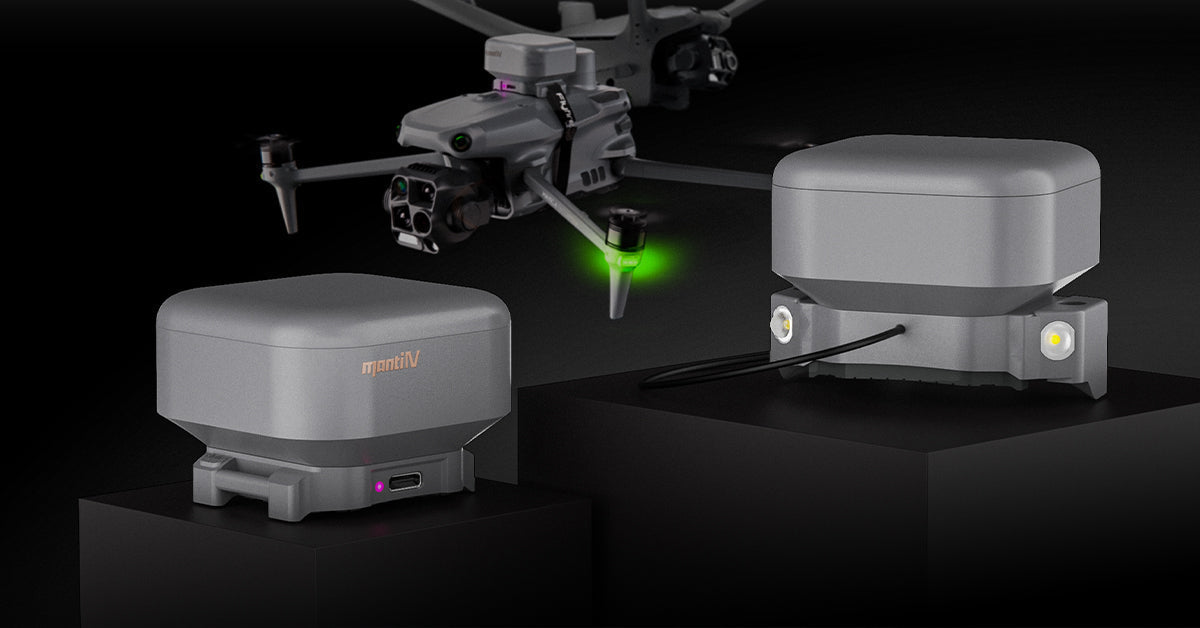
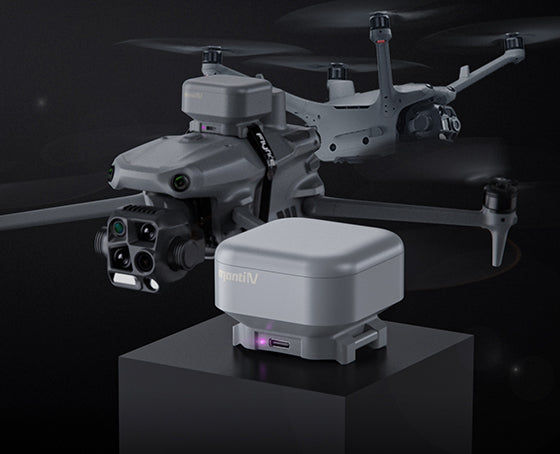
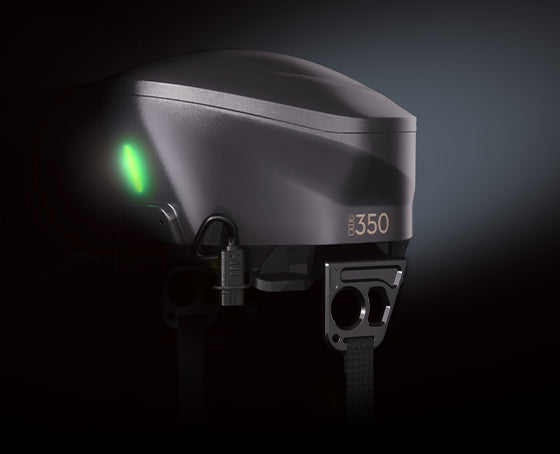
Mapping hardware to airframes turns out to be simpler than it looks. FlyFire's OWL-M350 is designed for the Matrice 350 RTK and is also compatible with the Matrice 300 RTK, so the M300/M350 side of the fleet runs on a single product. The OWL-M400 is specific to the Matrice 400. Three airframe generations, two products, which makes the counting easier.
Step 2: Review the Older Units First

In most fleets, the real gaps sit on the M300/M350 side, simply because those systems have been in service longest. For each fitted unit, a handful of things are worth checking:
- Firmware. Units bought at different times can be running different software versions. Bring every unit to the same current version, following the manufacturer's instructions. FlyFire provides firmware updates and an upgrade walkthrough for the OWL-M350.
- Backup power. The OWL-M350 carries a built-in backup battery that keeps the system running for up to 30 minutes if it loses its connection to the aircraft. A backup battery is only useful if it actually holds charge, so include it in the check.
- Indicator behavior on the ground. On the OWL-M350, a steady green light means standby, a flashing green light means ascending, and a steady purple light means the system is in alert or deployed state. A unit that doesn't behave as expected during a ground check shouldn't fly until someone has worked out why.
- Mount and hardware. Look at the buckle mount and suspension lines for wear, loosening or damage.
- Physical condition and storage. The OWL series is rated IP45 (dust and light rain) and for -20°C to 50°C. Units that spent a summer in a vehicle cabin or a winter in an unheated truck are worth a closer look.
- Deployment history. Any unit that has actually deployed should be treated as out of service until it has been inspected and reset according to the manual, and the event logged. A unit whose history nobody can vouch for deserves the same treatment.
From there, sort each unit into one of three buckets: fine as it is, needs service, or worth replacing. There isn't a universal expiry date worth quoting here; intervals come from the manufacturer's manual, so check the OWL-M350 manual and ask FlyFire when a specific unit is in doubt. The audit's real job is to surface the units with no record at all, because those are the ones nobody can stand behind.
Step 3: Adding M400s Without Creating a Patchwork

M400s rarely arrive all at once. A batch this quarter, another in Q1, sometimes bought through different channels. The result is airframes of the same type in different safety configurations: some may come with DJI's own factory recovery option (the AP100), some with nothing fitted, some with a third-party system. None of that is wrong in itself. What causes trouble is when nobody decided it on purpose.
It matters for a few practical reasons:
- Documentation. Operations manuals, SORA submissions and waiver applications describe a specific configuration. If aircraft of the same type differ, each variant needs its own supporting paperwork.
- Procedures and training. Different systems have different indicators, deployment behavior and minimum deployment altitudes. FlyFire's OWL-M350 lists a 20 m minimum opening height and the OWL-M400 lists 25 m. A pilot moving between airframes needs to know that, and a mixed fleet's flight-planning floor should sit at the higher figure unless missions are split by aircraft.
- Spares and support. Two products are easy to stock and support. Five configurations across ten aircraft are not.
One clarification worth making: if a particular operation depends on a specific class marking, such as EASA C5 or C6, that is a certification question tied to how the aircraft is configured and certified, so confirm the route for your aircraft before ordering any hardware. For operations running under SORA, Part 107 waivers or internal risk policy, what carries weight is documented performance data for the system actually fitted to the aircraft. Our ASTM F3322-18 and FAA waiver FAQ explains why testing applies to a specific aircraft-and-parachute combination.
The practical fix is to set a fleet standard. Decide, per airframe type, what "fitted" means, and apply it to every unit as it arrives. A DJI M400 parachute decision made once, in writing, is far easier to defend than six made separately over a year.
Step 4: Know What Differs Between the Two Systems

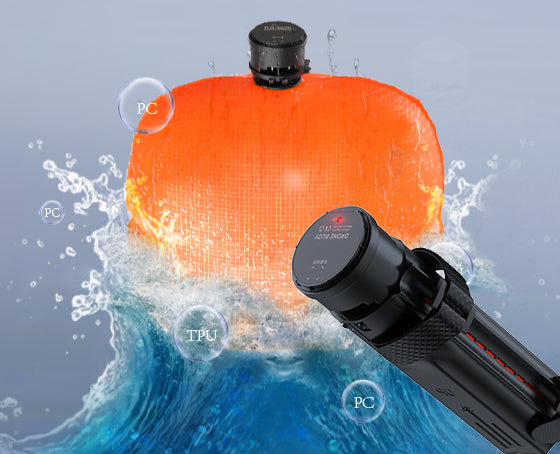
Both products share the same core architecture: the APS 3.0 deployment algorithm, redundant sensors, and a motor-stop before canopy deployment. The differences are mainly in load rating, weight and a few operating figures:
| Specification | OWL-M350 | OWL-M400 |
|---|---|---|
| Fits | Matrice 350 RTK; also Matrice 300 RTK | Matrice 400 |
| Canopy area | 7.29 m² | 7.29 m² |
| Net weight | 800 g | 1,000 g |
| Rated load | 9 kg | 15.8 kg |
| Descent speed | ~3.5 m/s | 3.5–4.5 m/s |
| Response time | 500–700 ms | 500–700 ms |
| Minimum deployment altitude | 20 m | 25 m |
| Backup power | Built-in battery, up to 30 minutes after losing connection to the aircraft | Independent dual-power system, up to 1 hour |
| Environment | -20°C to 50°C, IP45, up to 3,500 m | -20°C to 50°C, IP45, up to 3,500 m |
| Mounting | Aluminum buckle mount; no need to remove the aircraft's arm screws | Mount and suspension-line design that leaves the airframe unmodified |
One item that belongs in every audit: check each aircraft's loaded takeoff weight, in its heaviest configuration, against the rated load of the system fitted to that airframe. Rated load is a published spec, and a year-end review is the right time to confirm that heavy-payload setups sit comfortably inside it.
Step 5: Turn the Findings Into an Order
Here's an illustrative example of how the numbers come out. Say the fleet is 3 M300 RTKs, 5 M350 RTKs and 2 M400s today, with 2 more M400s arriving in Q1.
- M300/M350 group (8 airframes, one product). Six already carry an OWL-M350 on current firmware with a clean record, so they need only the firmware check. One M350's unit deployed once last spring with no service record, so it's treated as out of service until inspected, and it's sensible to budget a replacement as a contingency. One M300, recently moved onto BVLOS work, has nothing fitted.
- M400 group (2 now, 2 in Q1). None fitted yet.
The resulting order: 3 OWL-M350 units (1 for the uncovered M300, 1 contingency replacement, 1 spare for the group) and 5 OWL-M400 units (2 for the current aircraft, 2 ordered alongside the Q1 aircraft rather than as a follow-up, and 1 spare). That's 8 units in total, each with a reason attached. If the deployed M350 unit turns out to be serviceable, one line drops off the order.
On spares, there's no official ratio that fits every operation, but a common working rule is roughly one spare for every four to six active aircraft, adjusted upward if missions are frequent and BVLOS-heavy.
A Simple Year-End Timeline
- Early in the quarter: build the fleet table and collect the deployment and inspection records you already have.
- Mid-quarter: run the checks in Step 2, sort units into keep, service and replace, and align firmware.
- Before the year closes: place orders so units and spares are in hand ahead of Q1, particularly for M400s arriving early in the year, and update operations documents to reflect each airframe's actual configuration.
- January: brief pilots on any differences between systems, especially minimum deployment altitudes.